

The book
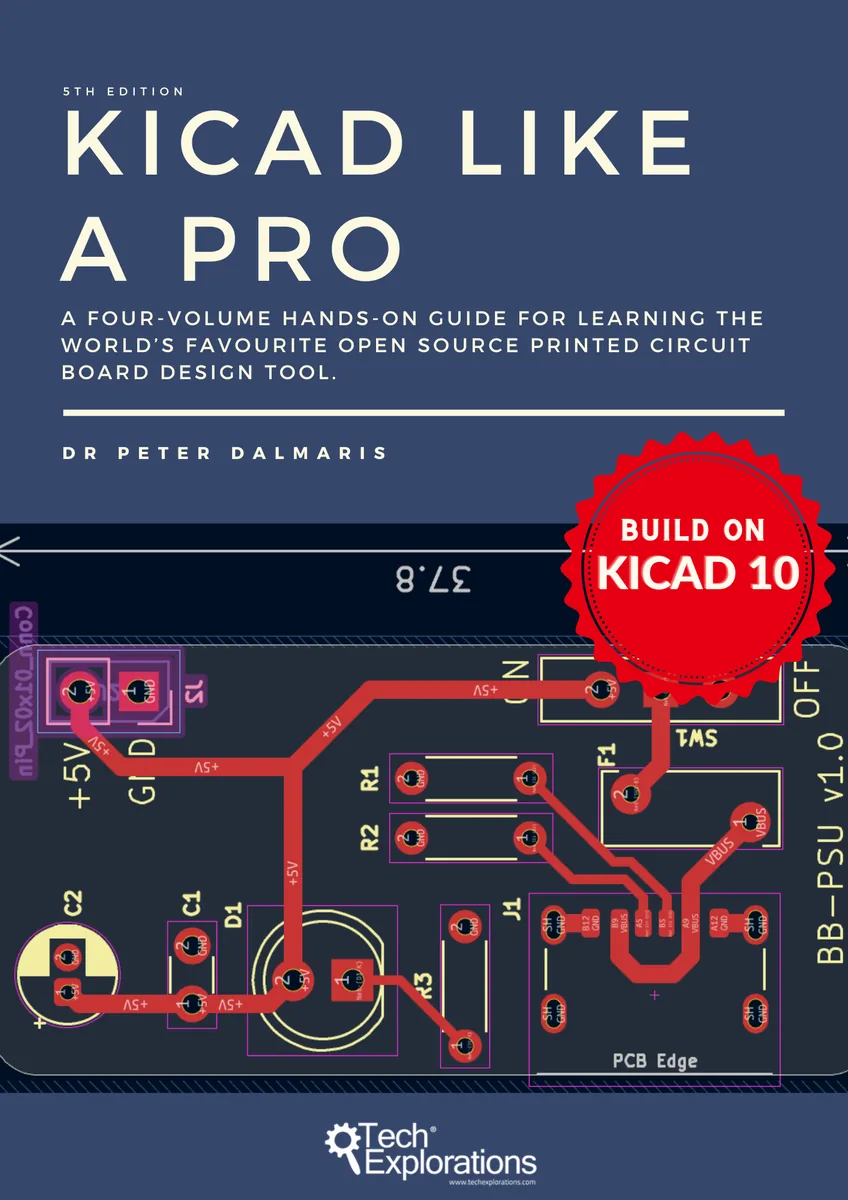
What is in KiCad Like a Pro 5e
Four volumes, four real skills. Each volume is a complete skill you can finish, not a difficulty tier.
You will not just read about PCBs, you will make them
This is a project book. By the end of Volume 1 you will have designed two real boards, a breadboard power supply and a tiny solar power supply, produced their manufacturing files (the 'Gerbers' and a bill of materials), and know exactly how to send them to a fabricator and get them back in your hands.
Table of contents
All four chapter lists are now published. Volumes 1 and 2 are written and complete. The Volume 3 and 4 lists are drafted, and they may still change before those volumes are written.
Volume 1 — Getting Started: Your First PCBs complete
- What a PCB Is and How It's Made
- A Hands-On Tour: Schematic
- A Hands-On Tour: Layout
- The Concepts Behind What You Did
- The Two Workflows, Formalized
- Finding, Importing, and Managing Parts
- Editor Orientation (Just Enough)
- Project 1: Breadboard Power Supply
- Project 2: Tiny Solar Power Supply
- Getting Your Board Made
- Essential Recipes (Beginner)
- Appendix A — Mini Encyclopedia
Volume 2 — Real Boards: Custom Parts, Setup, and Manufacturing complete
- Creating Custom Symbols
- Creating Custom Footprints
- Board Setup That Matters
- Copper Zones and Fills
- Bill of Materials, In Depth
- Design for Manufacturing
- Project (Warm-up): 4×8×8 LED Matrix Array
- Project (Capstone): DRV8833 Dual H-Bridge Motor Driver
- Project (Extension): Four-Motor Driver with Two DRV8833s
- Intermediate Recipes
- Assembling the Board: Reflow or Hand Soldering
- Appendix A — Mini Encyclopedia
Volume 3 — Advanced Design and Extending KiCad planned
Every subject here is a response to scale: designing a board that is too big to hold in your head. An MCU datalogger runs as the spine, drawn across multiple sheets and then laid out twice, first on two layers and then on four, with Git holding both versions. A shorter ESP32 clone closes the volume and hands you the first differential pair.
- Hierarchical and Multi-Sheet Schematics
- Version Control with Git
- Project: MCU Datalogger, Schematic
- Simulation: Checking a Circuit Before Copper
- Going Multi-Layer
- Project: MCU Datalogger, Layout Two Ways
- Rules as Code: the Design Rule Language
- Extending KiCad with Python
- Project: ESP32 Clone
- Advanced Recipes
- Appendix A — Mini Encyclopedia
Volume 4 — High-Speed PCB Design planned
The theory-led volume, because you cannot route a transmission line by feel. One board carries three routing campaigns: a USB 2.0 pair as the warm-up, an HDMI clock and data group as the capstone, and a single-ended flash bus for contrast. You finish having designed, verified and ordered a controlled-impedance four-layer board.
- When a Trace Becomes a Transmission Line
- The Theory You Need
- Stackup and Impedance: Getting to a Number
- Interfaces and Their Budgets
- Project: Schematic
- Board Setup and the Routing Plan
- Routing for Signal Integrity
- Verification
- Beyond KiCad: What the Open Tools Add
- Getting a High-Speed Board Made
- High-Speed Recipes
- Appendix A — Mini Encyclopedia