LIST OF HARDWARE AND SOFTWARE REQUIREMENTS
Raspberry Pi Full Stack
This page contains lists of required parts and tools for the courses "Raspberry Pi Full Stack Raspbian" and "Raspberry Pi Full Stack Upgrade Project".
The following lists contain the parts and tools necessary to complete Raspberry Pi Full Stack Raspbian, and its sequel course "Raspberry Pi Full Stack Upgrade Project".
You will find separate lists of hardware for these courses in this page.
Many of the items below are reusable and they will last for many years if you look after them. Other items like resistors, spacers and potentiometers come in packs that contain sufficient numbers to last for many projects.
The items in these lists are provided in an effort to make it easier for our students to find the parts and tools they need. While we take care to find reliable Amazon sellers, we cannot be responsible for problems in their supply chain or fulfilment. Sellers may run out of stock at any time, or shipments may be lost in transit. For issues like these, or for warranty claims, please contact the seller or Amazon directly.
If you do not live in the US, UK or Germany, or the Amazon stores that we provide links to below do not deliver to your location, consider using a freight forwarding service like Shipito. You can ship your shopping to them, and they will forward to you, anywhere in the world. This is useful in case, for at least some of the items in your shopping list, Amazon will not ship to addresses outside the US.
Important: hardware and OS compatibility (August 2026)
Before you buy anything, please read this.
This course was recorded and tested against Raspberry Pi OS 11 ("Bullseye") on the Raspberry Pi 4, 3, 2, 1, and Zero W. On that combination, everything in the lists below works as shown in the lectures.
Two things have changed since then, and both affect the parts you buy.
The Raspberry Pi 5 uses a new I/O chip (RP1) that changed how the GPIO pins are accessed. The GPIO library used in the course, RPi.GPIO, does not work on the Pi 5 at all, and the DHT22 temperature and humidity sensor currently has no reliable, well-supported way to be read from a Raspberry Pi 5. This is not a problem with the sensor; it is a software support gap that affects every DHT22 library on that board. If you buy a Raspberry Pi 5 and a DHT22 for this course, you will not be able to complete the sensor lectures as recorded.
Newer versions of Raspberry Pi OS ("Bookworm" and later) also changed how Python packages are installed, which affects several installation steps in the course regardless of which Pi you use.
What I recommend you buy today:
Buy a Raspberry Pi 4, 3, or Zero 2 W, and install Raspberry Pi OS 11 ("Bullseye") from the Raspberry Pi legacy OS downloads. The parts lists below are correct for this setup and the course works end to end.
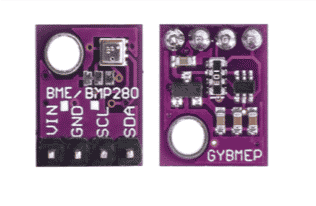
If you already own a Raspberry Pi 5: you can still use it for most of the course, but expect to adapt the GPIO lectures yourself, and consider buying a BME280 sensor (item 14 in the Upgrade Project list below) instead of one of the DHT22s for the Raspberry Pi side. The BME280 uses I2C, is well supported on the Pi 5, and measures temperature, humidity, and barometric pressure. You will still need one DHT22 for the Arduino remote node, where it works without any problem.
I am working on a course update that covers the Raspberry Pi 5 and current Raspberry Pi OS. This page will be updated when it is released.
Found a problem in this list?
If you find errors in this parts list, please help us fix it by raising a support ticket.
Parts for Raspberry Pi Full Stack
# |
Description |
Photo |
Buying options |
|---|---|---|---|
1 |
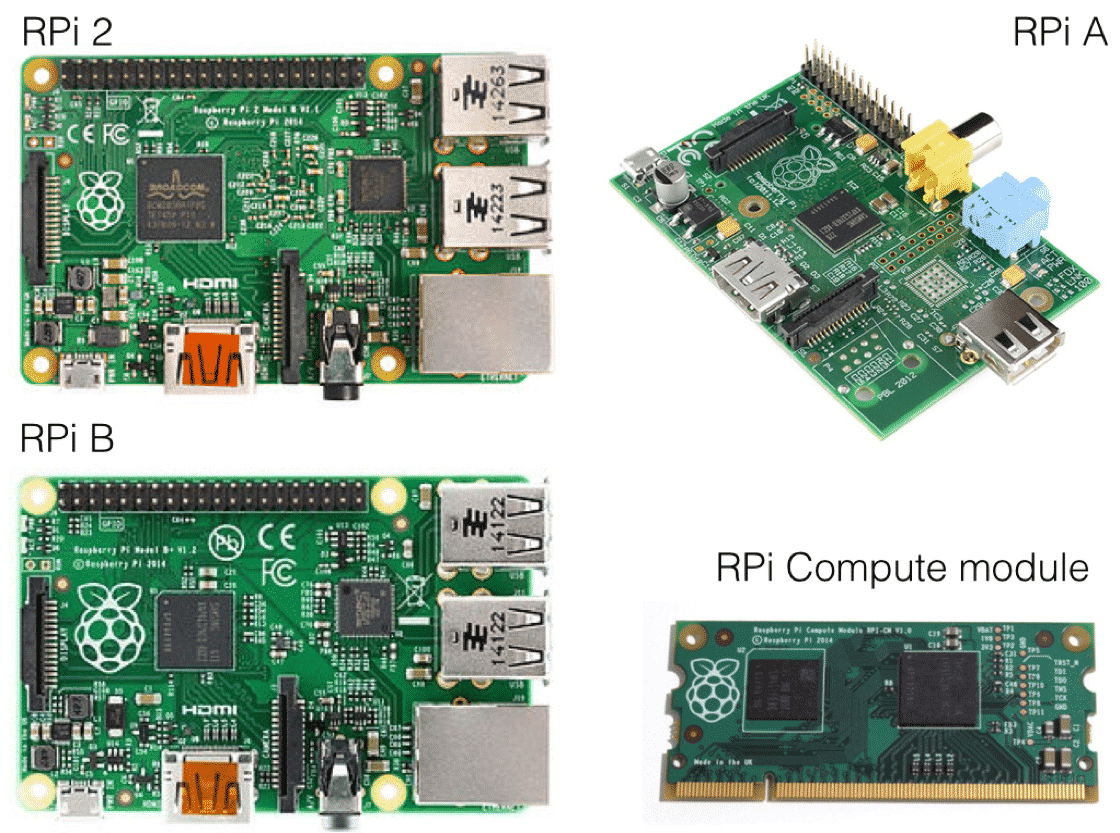
Raspberry Pi 4, 3, 2, or Zero 2 W. I have tested the course with the Raspberry Pi 4, 3, and 2. The Raspberry Pi 5 is not currently supported by this course; please read the compatibility notice above. |
 |
Raspberry Pi 4 | Amazon US | Amazon UK | Amazon DE | Sunfounder |
2 |
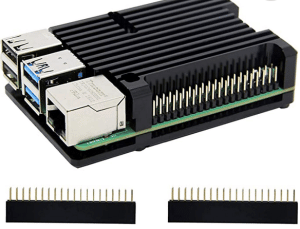
Case for Raspberry Pi 4 with heatsink |
 |
|
3 |
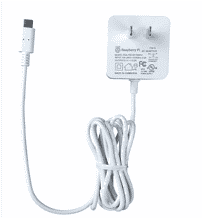
Power supply for Raspberry Pi 4 (official) |
 |
|
4 |
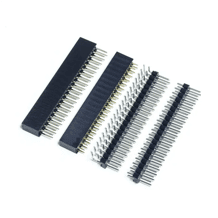
Header riser for all Raspberry Pi Model B |
 |
|
5 |
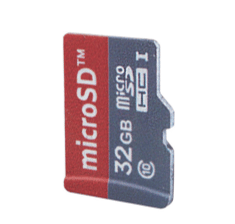
Noobs Card for Raspberry Pi (32 GB) |
 |
|
6 |
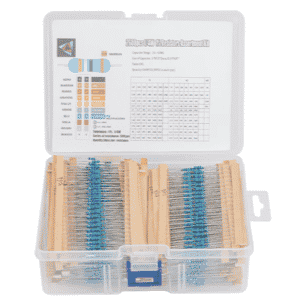
1/4W Resistor Kit |
 |
|
7 |
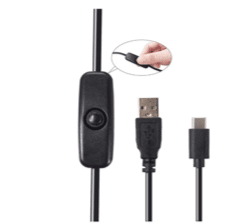
Raspberry Pi Micro USB Cable with ON / OFF Switch |
 |
|
8 |
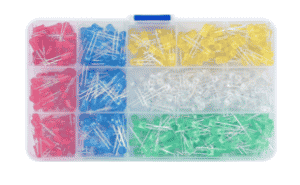
Red LED Diodes |
 |
|
9 |
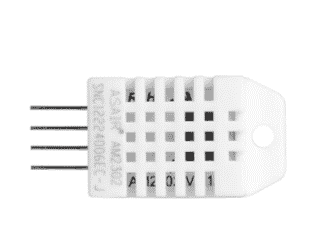
DHT22 temperature and humidity sensor X 2. Not usable on the Raspberry Pi 5. If you are using a Pi 5, buy one DHT22 (for the Arduino node) and one BME280 (for the Raspberry Pi) instead. See the compatibility notice above. |
 |
|
10 |
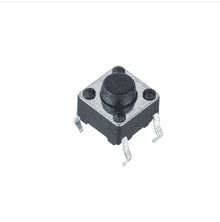
A breadboard-friendly momentary button |
 |
|
11 |
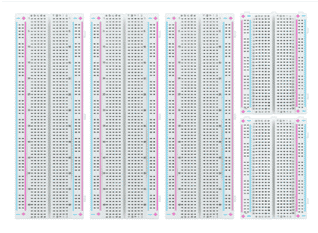
Mini breadboard |
 |
|
12 |
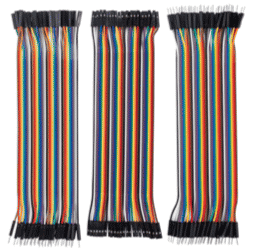
Jumper wires |
 |
|
If you are enrolled in the TechExplorations.com version of the course: | |||
13 |
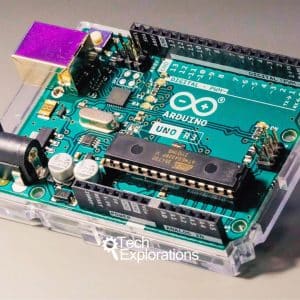
Arduino Uno |
 |
|
14 |
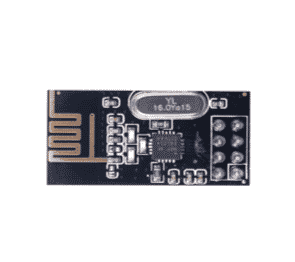
NRF24L01+ 2.4GHz Wireless RF Transceiver X 2 |
 |
|
Parts for Raspberry Pi Full Stack Upgrade Project
To complete the follow-up course "Raspberry Pi Full Stack Upgrade Project", you can re-use most of the components from Raspberry Pi Full Stack, and add a few new ones.
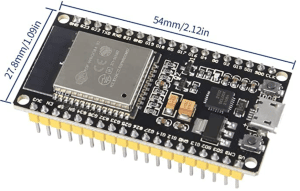
There is a lot of flexibility in relation to the boards. You can use any Raspberry Pi, and any Arduino-compatible board. In the lectures, I use a Raspberry Pi Zero 2 W and an ESP32.
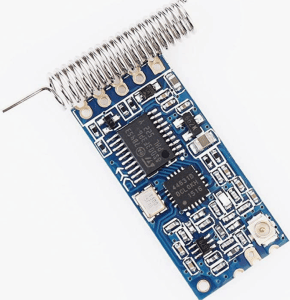
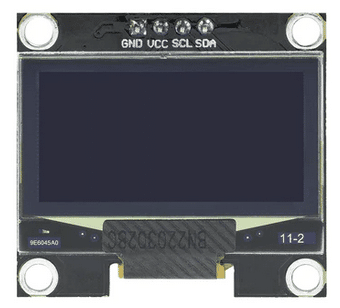
From the Raspberry Pi Full Stack list of parts (above) you can reuse all of the hardware except items 9 (the DHT22 sensor) and 14 (the NRF24 transceiver). In Raspberry Pi Full Stack Upgrade projects I have replaced these parts with the BME280 sensor and the HC12 transceiver. In the Upgrade Project there is also a new OLED display with the SD1306 driver.
See details below:
# |
Description |
Photo |
Buying options |
|---|---|---|---|
14 |
BME280 sensor |
 |
|
15 |
HC-12 |
 |
|
16 |
OLED SD1306 |
 |
|
17 |
ESP32 development kit |
 |
|
18 |
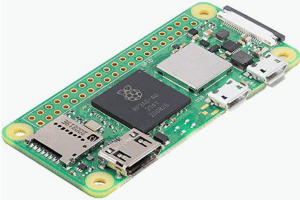
Raspberry Pi Zero 2 W |
 |
Printed Circuit Boards
I have designed two printed circuit boards to use with this course. While you can complete the course by assembling the circuits on breadboards, these PCBs will make your work much less prone to wiring bugs.
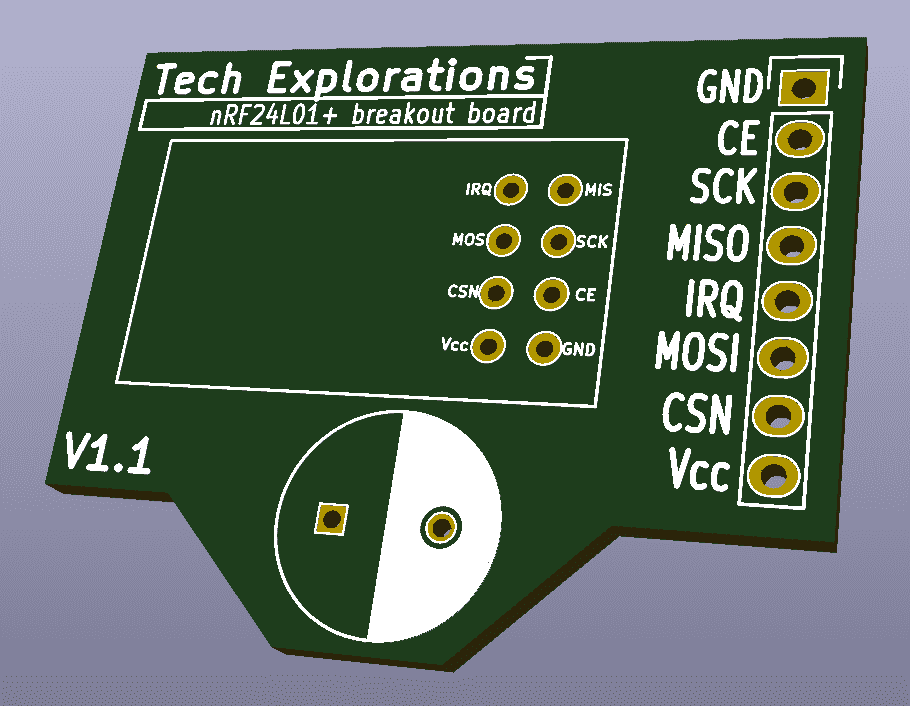
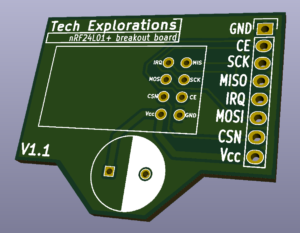
nRF24L breakout board
This PCB breaks out the 2x4 header of the nRF24 module to a 1x8 header that works with standard breadboards.
It also contains a socket for a bypass capacitor.
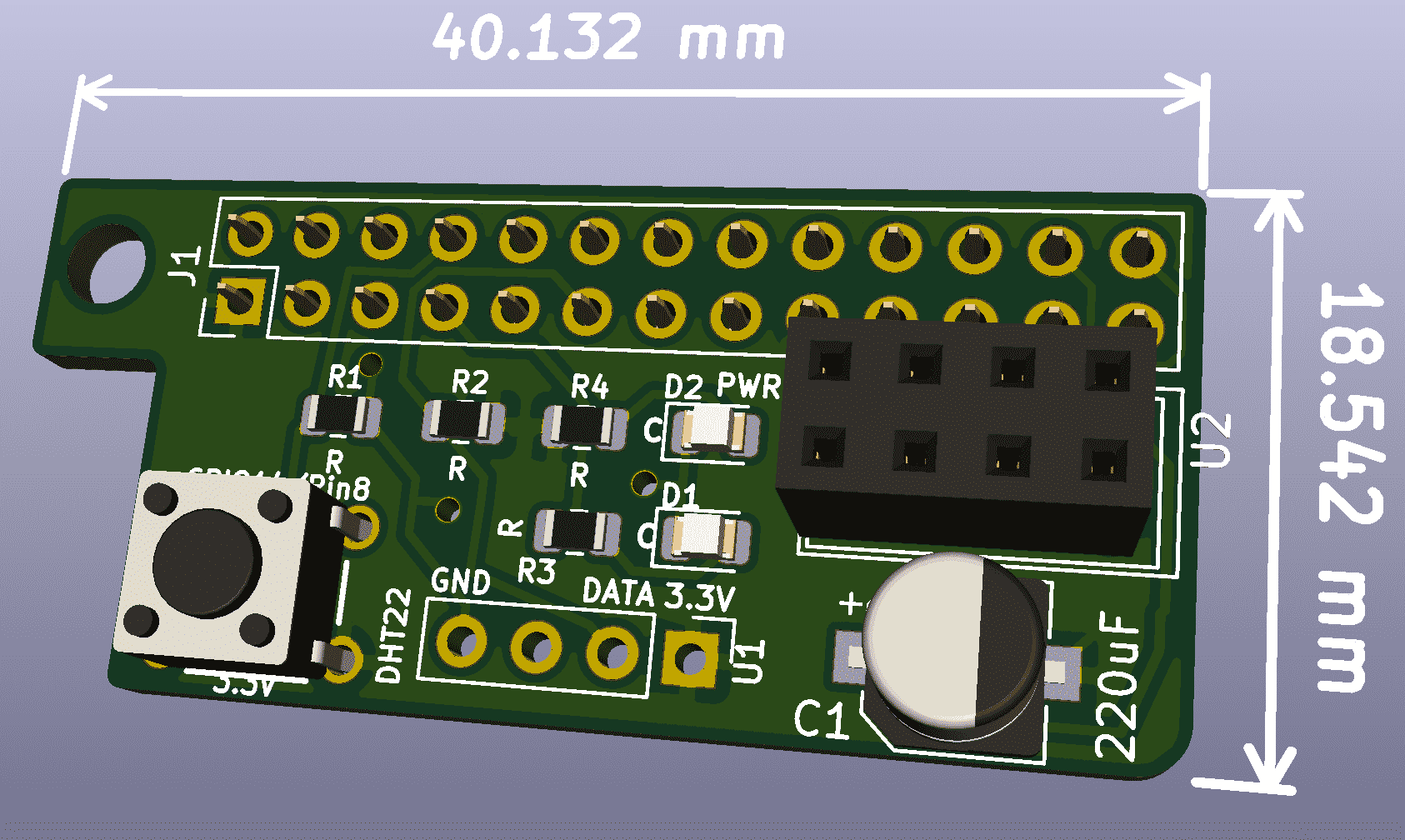
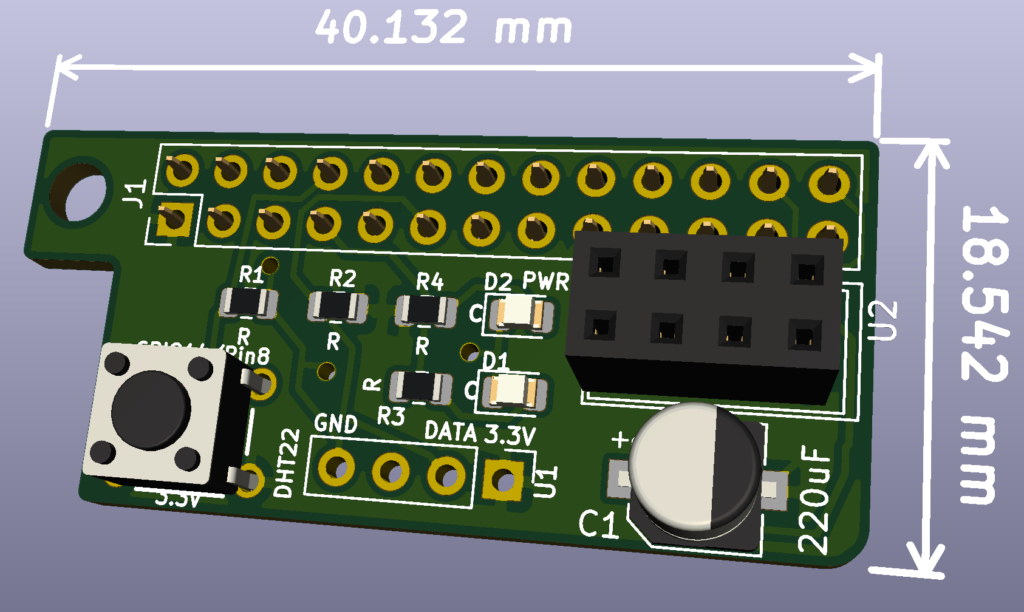
Raspberry Pi breakout board HAT
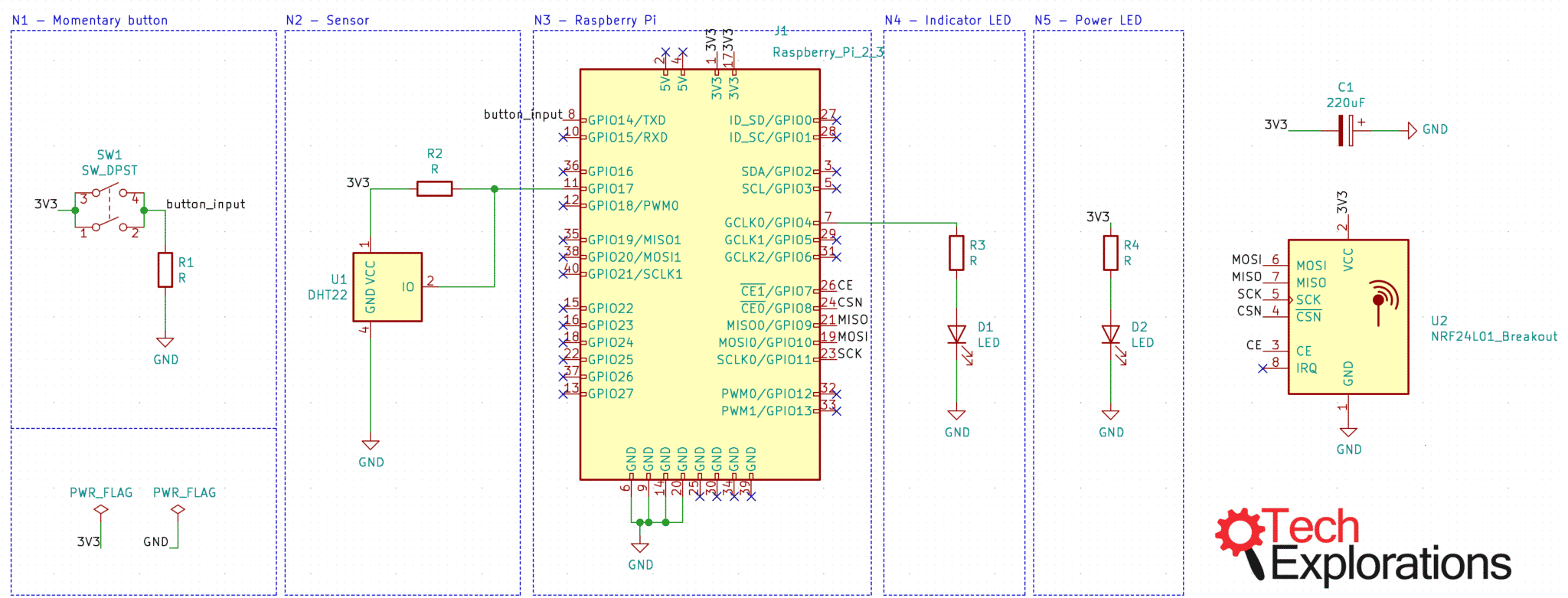
This PCB contains sockets for a DHT22 sensor, an nRF24 transceiver, a push button, a bypass capacitor for the transceiver, and LEDs.
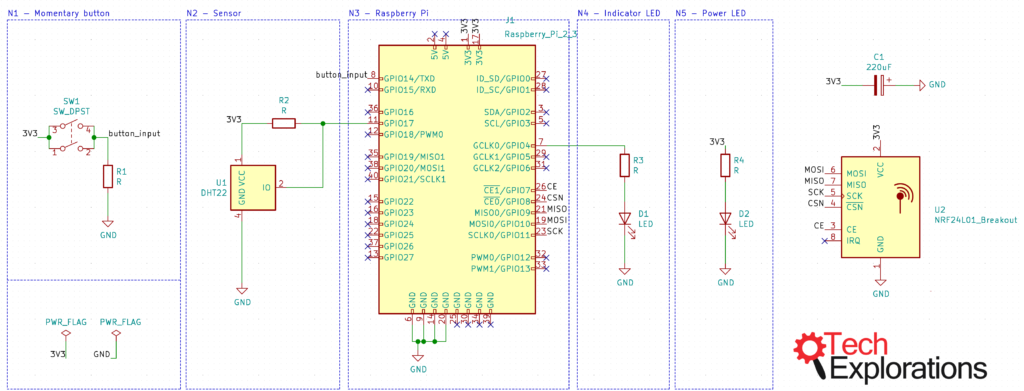 Click to get a high-resolution version of this schematic.
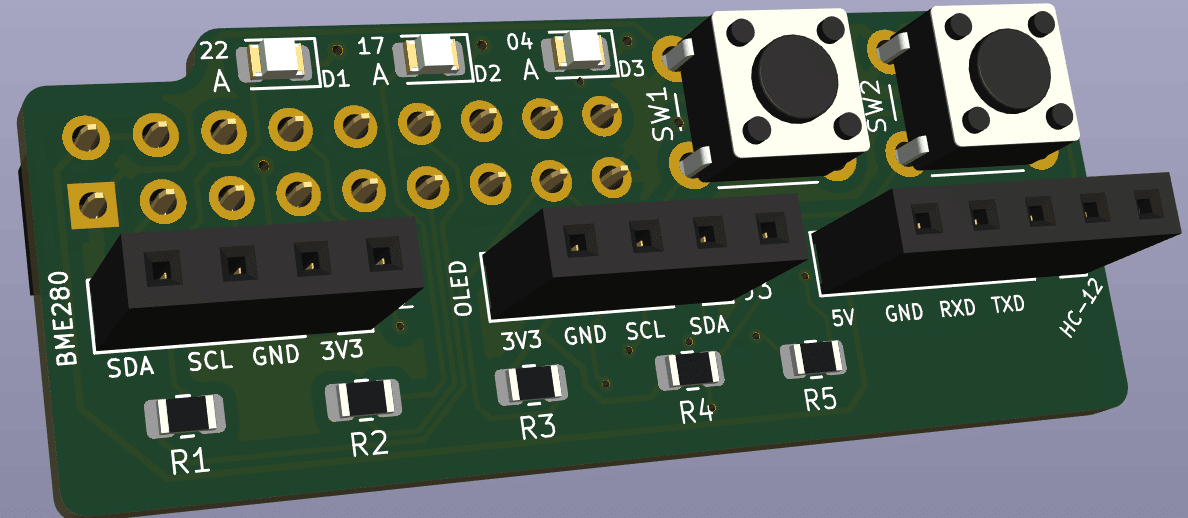
Raspberry Pi Full Stack Upgrade Project - Breakout board HAT
This PCB contains sockets for a BME280 sensor, an HC12 transceiver, an OLED SD1306 display, two push buttons, a bypass capacitor for the transceiver, and three LEDs.
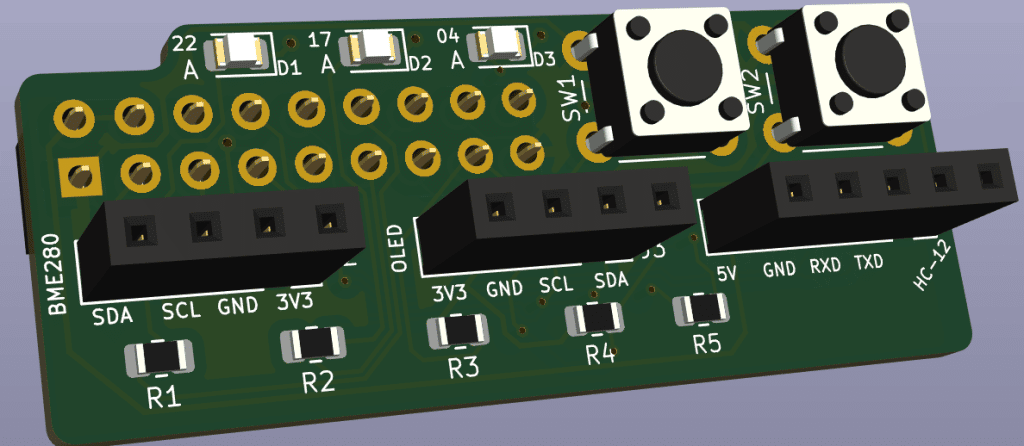
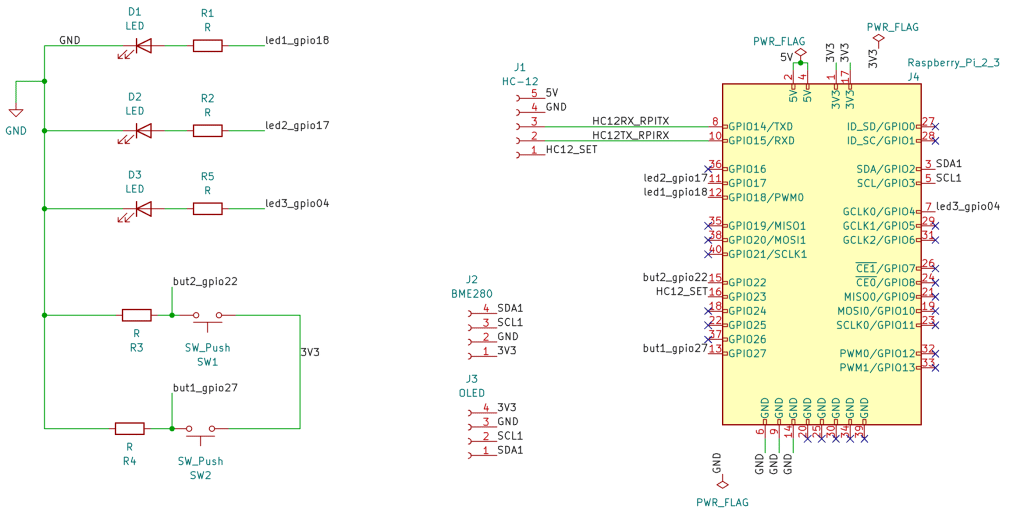 Click to get a high-resolution version of this schematic.
Raspberry Pi Full Stack Upgrade Project - ESP32 breakout
This PCB is for the ESP32 development board. It contains sockets for a BME280 sensor, an HC12 transceiver, a bypass capacitor for the transceiver, and one LEDs.
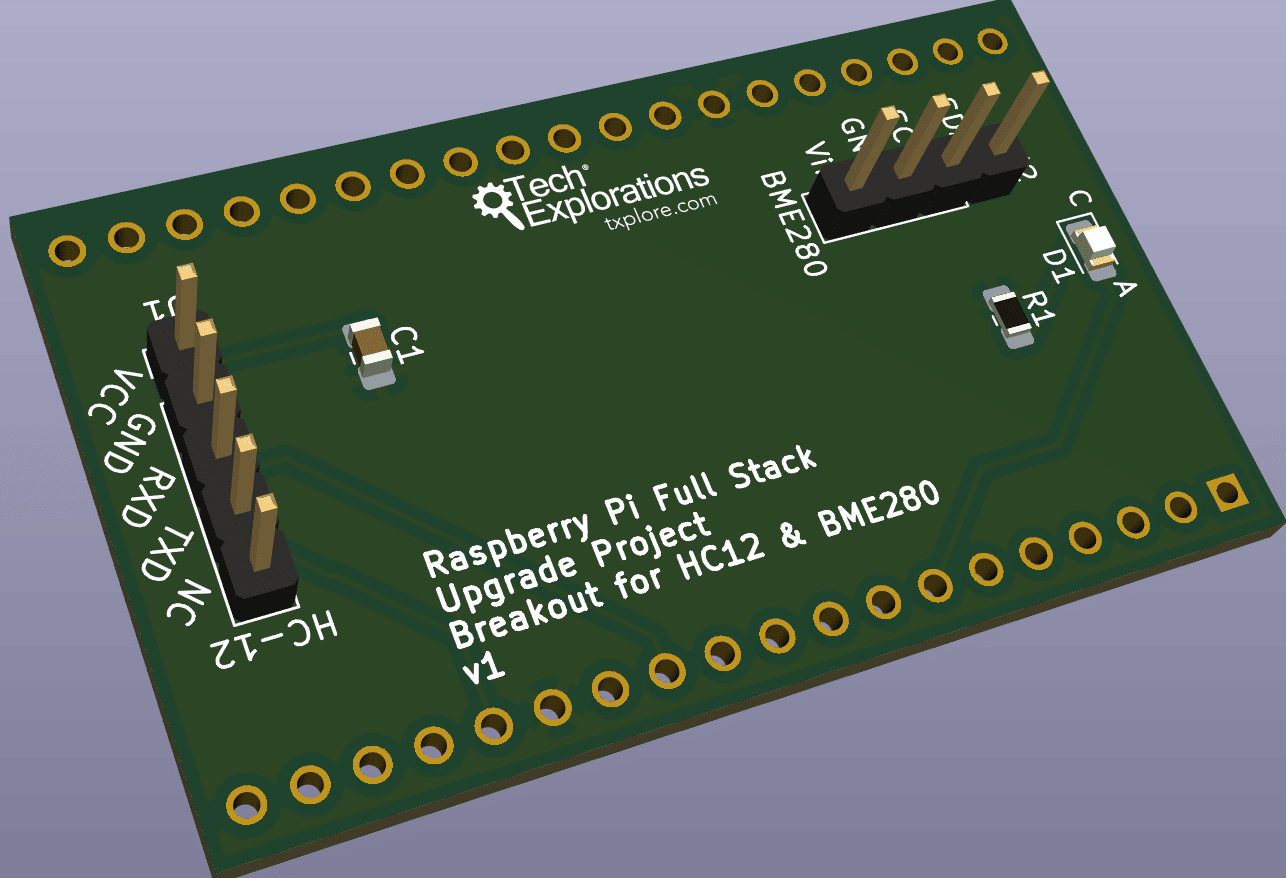
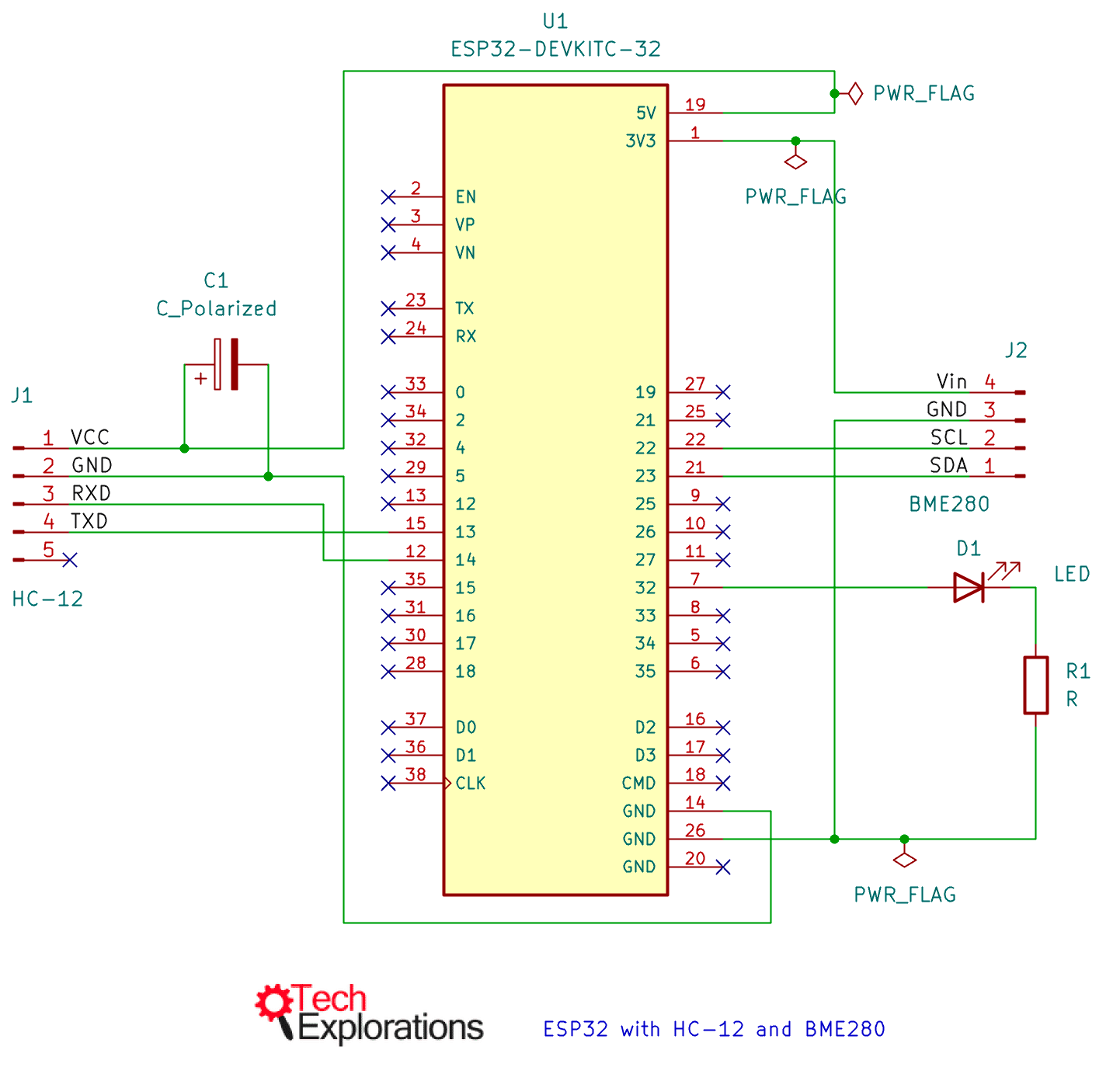 Click to get a high-resolution version of this schematic.
About this parts list
This list was out of date the moment I published it. Every link depends on a marketplace and a seller, and those change constantly: listings vanish, stock rotates, sellers close, part numbers get reused. The list is here to help you identify what you need. It is not a guarantee that a given item will be available on any given day.
So use it this way: treat each entry as the name and specification of a part, then search for that same thing on eBay, Amazon, AliExpress, or your local supplier. In most cases you will find several equivalents, sometimes cheaper or closer to home than the one I linked. If you have made a real attempt and still can't find something, ask me and I will help.
Remember what you are building. These are open hardware projects made from off the shelf components, not a sealed product from a single vendor. Sourcing parts in a fluid marketplace is part of the work, and it is a skill worth having.
Last Updated 2 months ago ago.